
Culture Shocks in Madrid and How to Adapt
Dinner at 10pm, two kisses, long goodbyes and “the last round” that never is: the culture shocks of moving to Madrid and how to settle in.

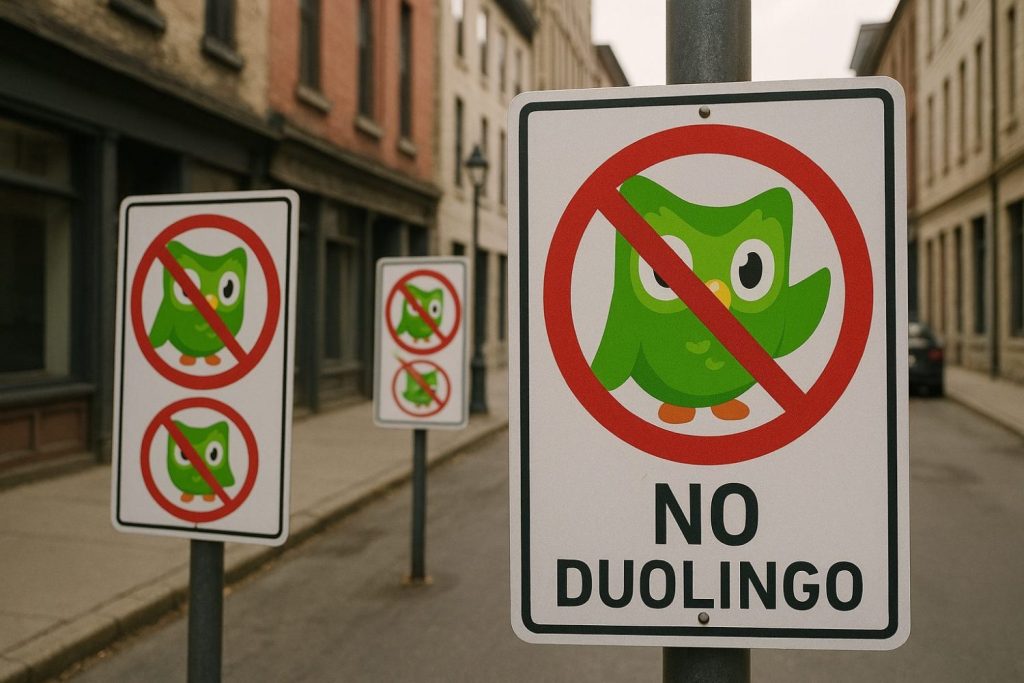
Duolingo has become the default starting point for many Spanish learners. But relying on one app limits how much Spanish you see and hear. Here’s what our teachers think Duolingo does well and where it falls short, and four apps that each tackle a different challenge.
In recent years Duolingo has become a new guest in our classes. The green owl can help, but it is no substitute for real lessons. Its strengths:
And its weak points:

A common complaint is the lack of reading material at the right level: textbooks feel rigid and real content is too hard at first. LingQ offers a library of texts you can match to your level. Tap an unknown word to see its meaning, and the app tracks your progress and gradually introduces more advanced vocabulary. Stories, articles, podcasts and interviews keep things interesting.
To move on from graded material, Readlang works as a browser extension that lets you read any website in Spanish with built-in support. Click a word or phrase to see its translation instantly, without switching tabs. It’s especially useful for real life: the news, Spanish websites or paperwork.
Listening is one of the hardest skills. Beelinguapp combines reading and audio: as you read a text at your level, a native speaker narrates it, linking written and spoken Spanish and helping your pronunciation and rhythm. You can also see the text in your own language side by side, and rely on it less over time.
Fill-in-the-gaps exercises aren’t everyone’s favourite, but they work. Clozemaster uses real sentences instead of word lists, so you learn how words work in context. Its game-like format makes regular practice more fun, and consistency is key.
Each app has its strengths, but they work best together: LingQ for reading, Readlang for real-world Spanish, Beelinguapp for listening and pronunciation and Clozemaster for vocabulary. For free options, see our teachers’ picks of the best free apps to learn Spanish, and for AI tools, learning Spanish with ChatGPT.
Apps can speed up your progress, but they work best alongside real use. Speaking, writing and talking to people turn what you know into real communication. If you’re ready to take your Spanish beyond the screen, Jaleo Madrid welcomes you with open arms: get in touch and we’ll send you a personalised offer.
Dinner at 10pm, two kisses, long goodbyes and “the last round” that never is: the culture shocks of moving to Madrid and how to settle in.
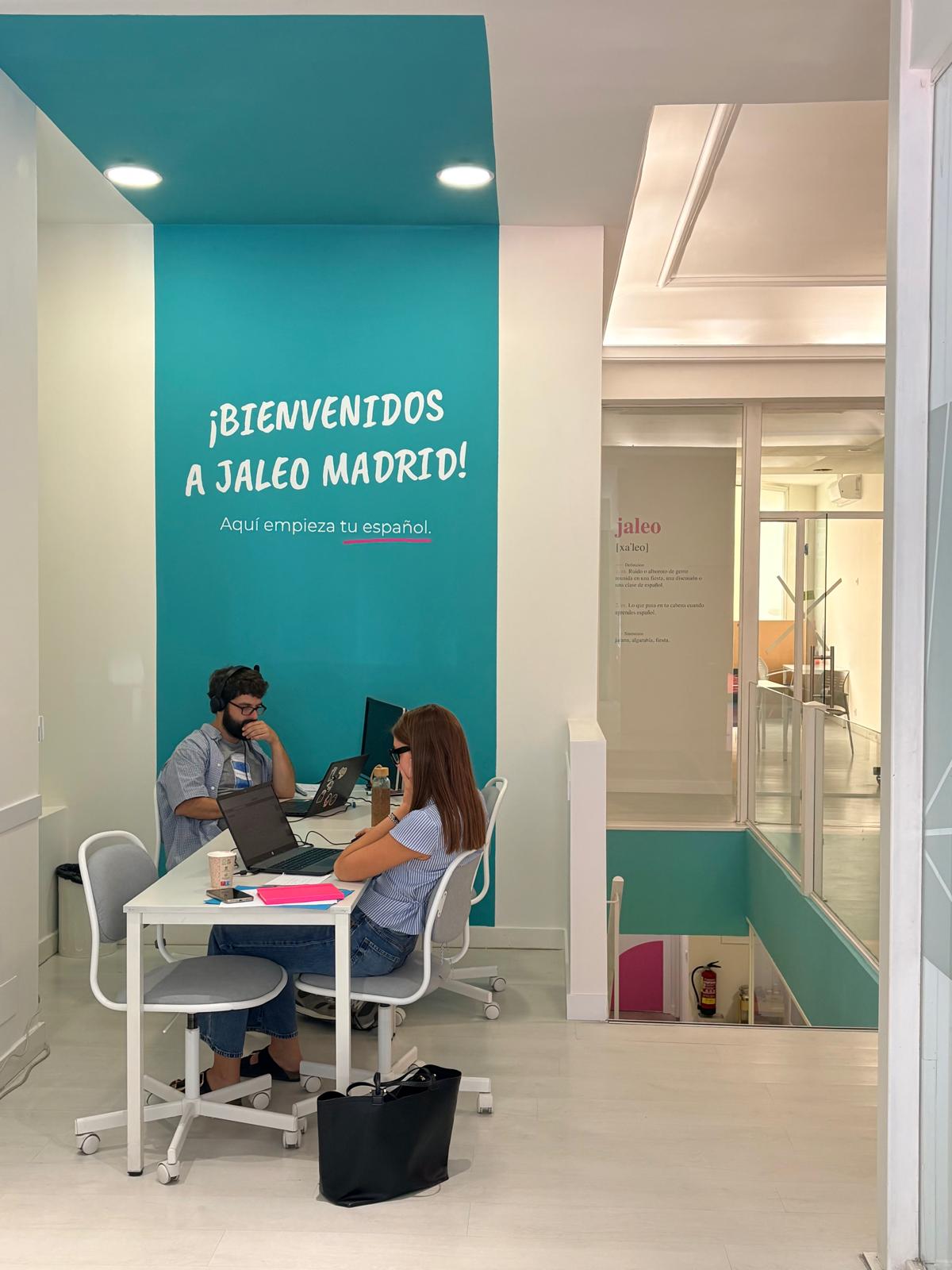
Looking for an Erasmus+ internship in Madrid? Gain real marketing and admin experience while improving your Spanish at Jaleo Madrid.

Our teachers’ five favourite free podcasts to learn Spanish, from beginner to advanced, plus tips to get the most out of every episode.